Autofill forms
When you first enter information (such as name, address, or phone number) in the site form, Yandex Browser remembers it. The next time you enter it, the browser suggests autofill options. This way, Yandex Browser saves you time.
Privacy risks of autofill
- If you share the computer with other people, they can open Yandex Browser, view your data, and log in to websites under your name. We recommend using Incognito mode or disabling autofill when you work on shared computers.
- If malware gets access to autofill data, hackers may steal it.
Save autofill data automatically
Autofill is enabled by default in Yandex Browser.
Alert
If you don't want your autofill information to be saved in Yandex Browser on a particular site, use Incognito mode. If necessary, you can disable autofill in Yandex Browser.
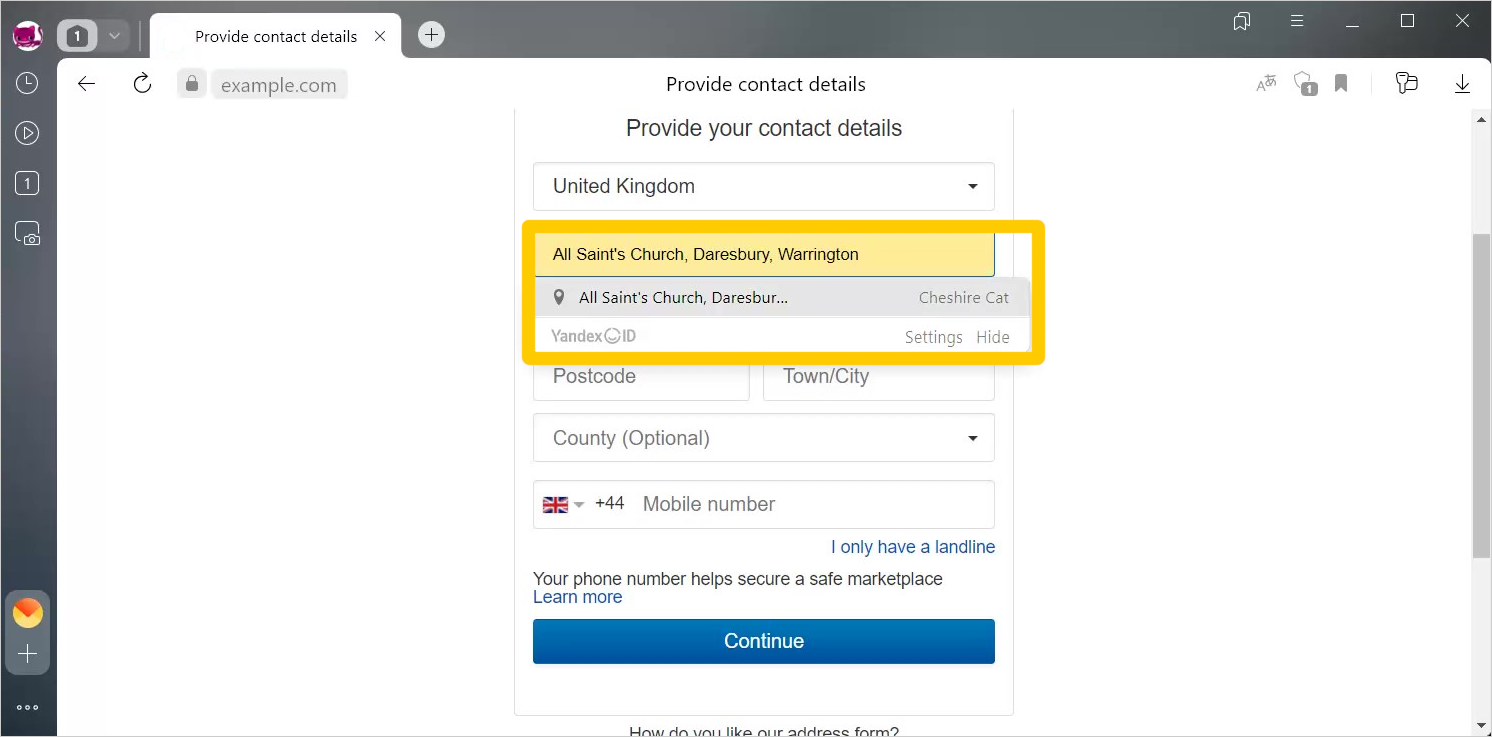
Set autofill data manually
Add your bank card data, passwords, and personal information (such as your phone number, address, email, and so on) to Yandex Browser.
Add personal data
-
Click → Passwords, cards, data.
-
If you have already created a master password, enter it to access your vault.
-
Open Personal data.
-
Click Add in the upper-right corner of the section.
-
Fill in the fields.
-
Click Save.
Edit personal data
-
Click → Passwords, cards, data.
-
If you have already created a master password, enter it to access your vault.
-
Open Personal data.
-
Click the autofill option you need.
-
Enter changes.
-
Click Save.
Delete personal data
-
Click → Passwords, cards, data.
-
If you have already created a master password, enter it to access your vault.
-
Open Personal data.
-
Click the autofill option you need.
-
Click Delete profile.
Disable autofill data syncing
Syncing is a feature that you can use to fill in forms automatically on all your devices with Yandex ID.
Autofill data is synced by default. To disable syncing:
-
Click → Settings → General settings → Syncing → Sync settings.
-
Deselect Autofill information.
Delete autofill data
-
Click
 → History → Clear history or press Ctrl + Shift + Del (on Windows and Linux) or Shift + ⌘ + Backspace (on macOS).
 -
In the Clear history list, select The beginning of time.
-
Select the Autofill form data option.
-
Deselect other options (if you want to delete only autofill data).
-
Click Clear.
Turn off form autofilling
-
Click → Settings → Tools.
-
In the Autofill section, disable the Suggest form autofill option.
Autofill search queries
Queries in SmartBox
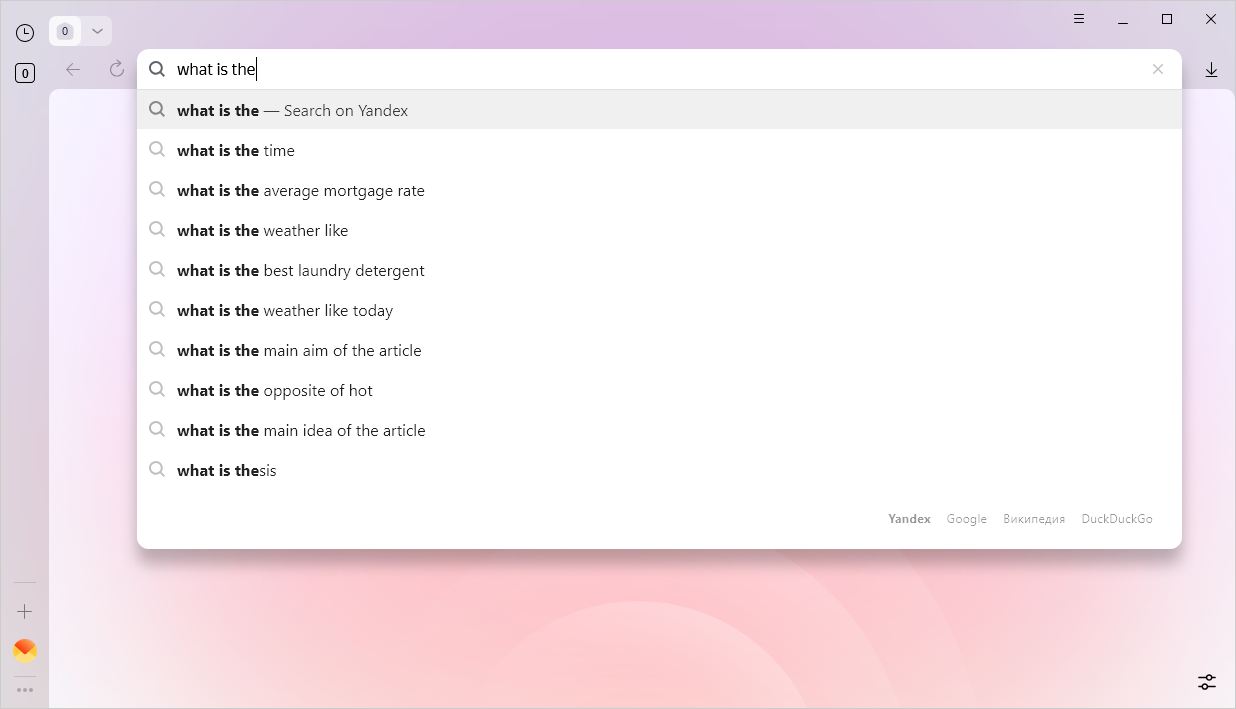
By default, Yandex Browser stores the entire history except queries in Incognito mode. You can see your previous search queries as you type.
Note
You can't turn off saving queries in the SmartBox. If you don't want your search queries to be saved in Yandex Browser, use Incognito mode.
To delete a query saved in Yandex Browser, hover over it and click  . If you want to delete all queries, clear your browsing history.
Queries in the Yandex SmartBox
If you are logged in to Yandex, your queries are saved by default. You can see your previous search queries in the list of suggestions below the search bar. Additionally, the sites that you visit frequently appear first in the search suggestions list.
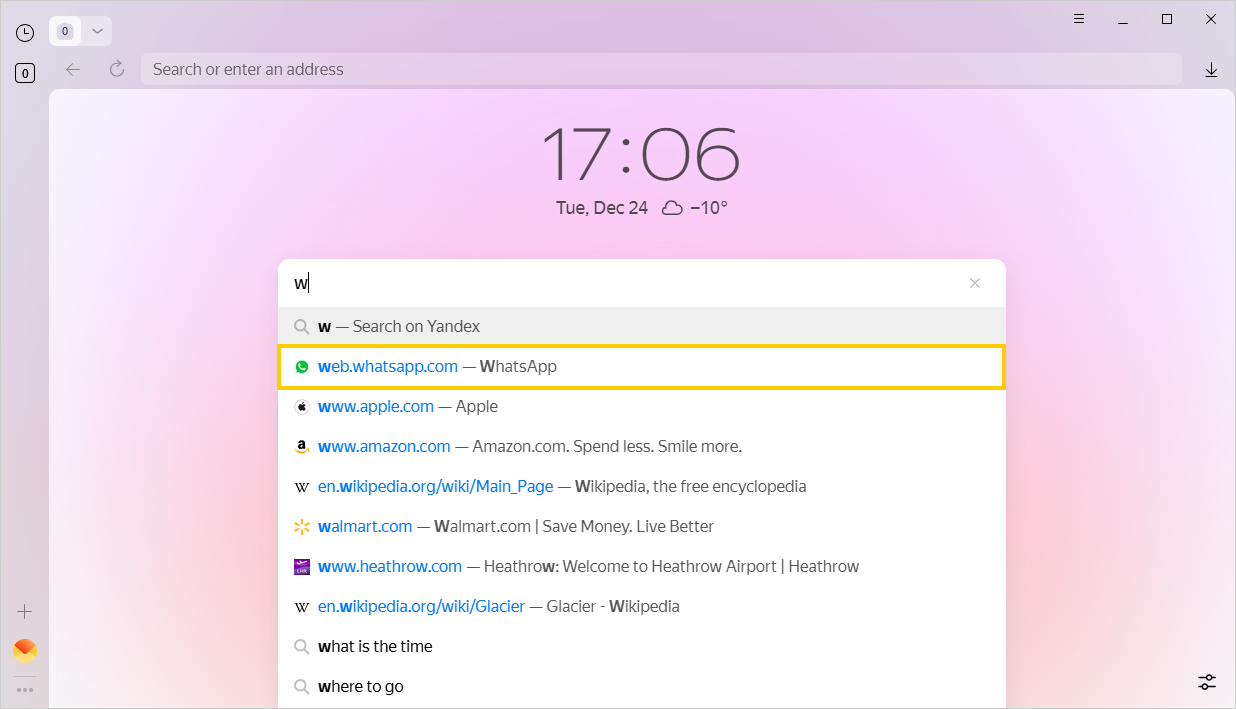
You can disable saving Yandex Search queries and frequently visited pages on the Search settings page.
You can enter search queries in the address bar and Yandex Browser will understand what you need.